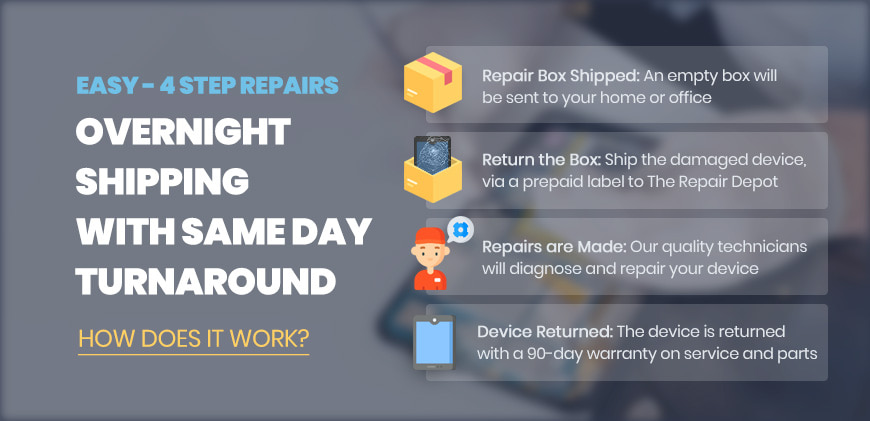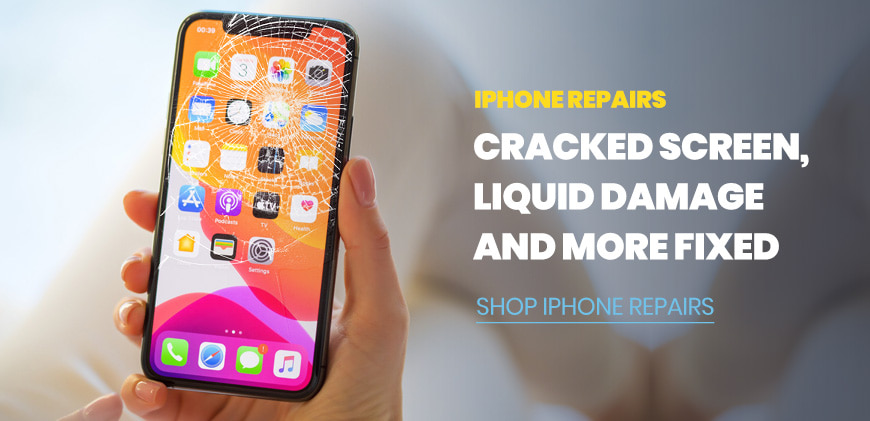
• Industry leader in repair and part distribution for Smartphones, Chromebooks, Laptops, Tablets and more.

Box Request

Packing Laptop Box

Each box has been designed to keep your device safe during transportation to and from our facilities.

How Does It Work

Buy Parts

Hi, We are currently updating our available inventory for direct purchases!

Please submit a quote request for the time being.

Buy Parts
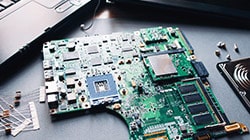
Device Parts

Searching for an unlisted part?
We will find it for you, please click below to request a quote.

Get Parts Quote Most Common Parts

Oklahoma Women Owned Business Certification

The Repair Depot - Quality Laptop, iPhone, Chromebook Repairs, Device Parts and More!

Recent Blogs

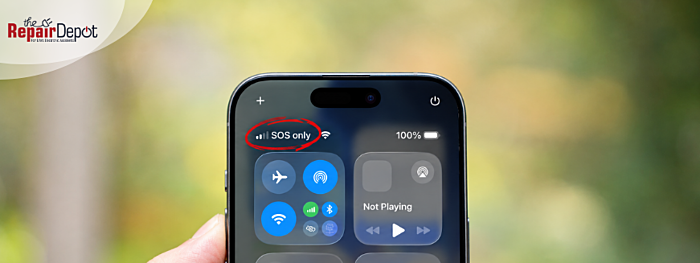
  • 8 Signs Your Phone Has Internal Damage
    Phone with a warning sign
    Internal phone damage sometimes starts showing up through warning signs like overheating, fast battery drain, random restarts, or charging problems. These issues can happen after a drop, water exposure, pressure damage, or even long-term wear and tear.
    Read more »
  • Can’t Download Apps on Your iPhone? Here’s How to Fix App Store Issues
    An iPhone app download stuck
    If your apps aren't downloading on your iPhone or the App Store isn’t working, it’s usually due to a few common issues. Before assuming something serious is wrong, start with these simple checks.
    Read more »
  • Why Is My Laptop Fan So Loud & How to Fix It
    Split image of a repair tech working on laptop and a laptop fan
    Your laptop fan has one job: to keep your device cool. When the internal temperature rises, the fan spins faster—which is why you start to hear more noise. Some fan noise is completely normal, especially when your laptop is handling demanding tasks. But if your laptop fan is loud all the time, it’s usually a sign your device is working harder than usual or struggling to stay cool.
    Read more »
  • iPad Not Charging? Here’s How to Fix It
    iPad not charging banner
    Your iPad is not charging, and you’re not sure why. Maybe it’s stuck on a black screen, says “Not Charging,” not recognizing the charger at all, or only charges at a certain angle. There are several common reasons why an iPad might not charge. It could be a faulty or damaged charging cable, a weak or incompatible power adapter, a blocked or dirty charging port, a completely drained battery, or a software issue. The good news is that most of these problems are easy to troubleshoot at home.
    Read more »

Sign Up for Our Newsletter